Timeframe filter
Narrow the case to the hours that matter, and keep it narrowed. The timeframe is kept apart from the other filters: clearing them, stepping through saved filters or resetting the view leaves it on.
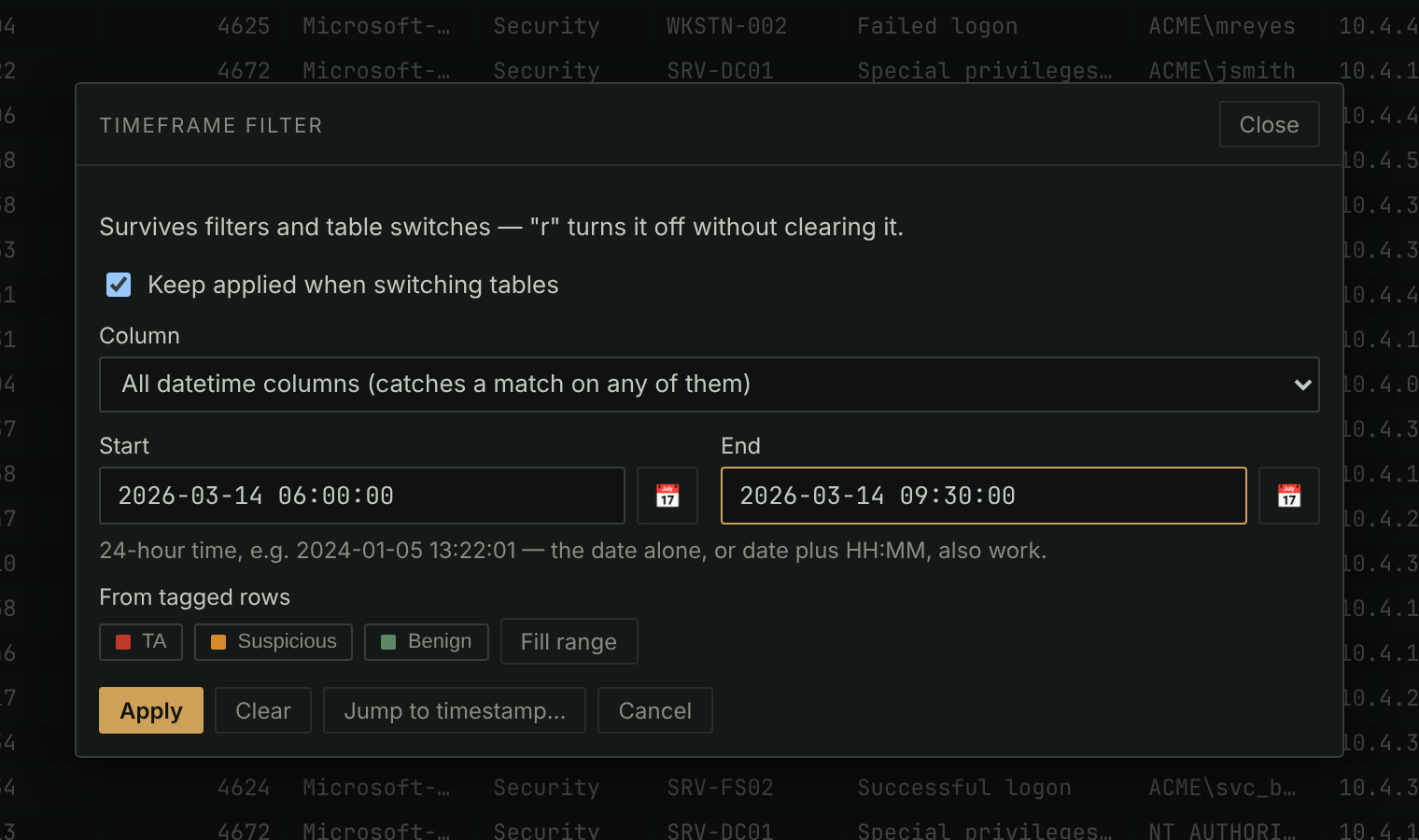
- Click ⏱ Timeframe or press
R, type a start and an end, and click Apply. Both ends are inclusive, either can be left open, and a date on its own means midnight. - Compare one datetime column, or All datetime columns, which keeps a row when any of its timestamps is in range: a file whose creation time was changed but whose modified time wasn't is still caught.
- With Keep applied when switching tables on, the default, there is one timeframe for the whole case. Off, each table keeps its own.
rturns it off without losing the range, and on again.- From tagged rows fills in the range from the earliest and latest of your tagged rows.
In the manual: Filtering and searching › The timeframe filter