
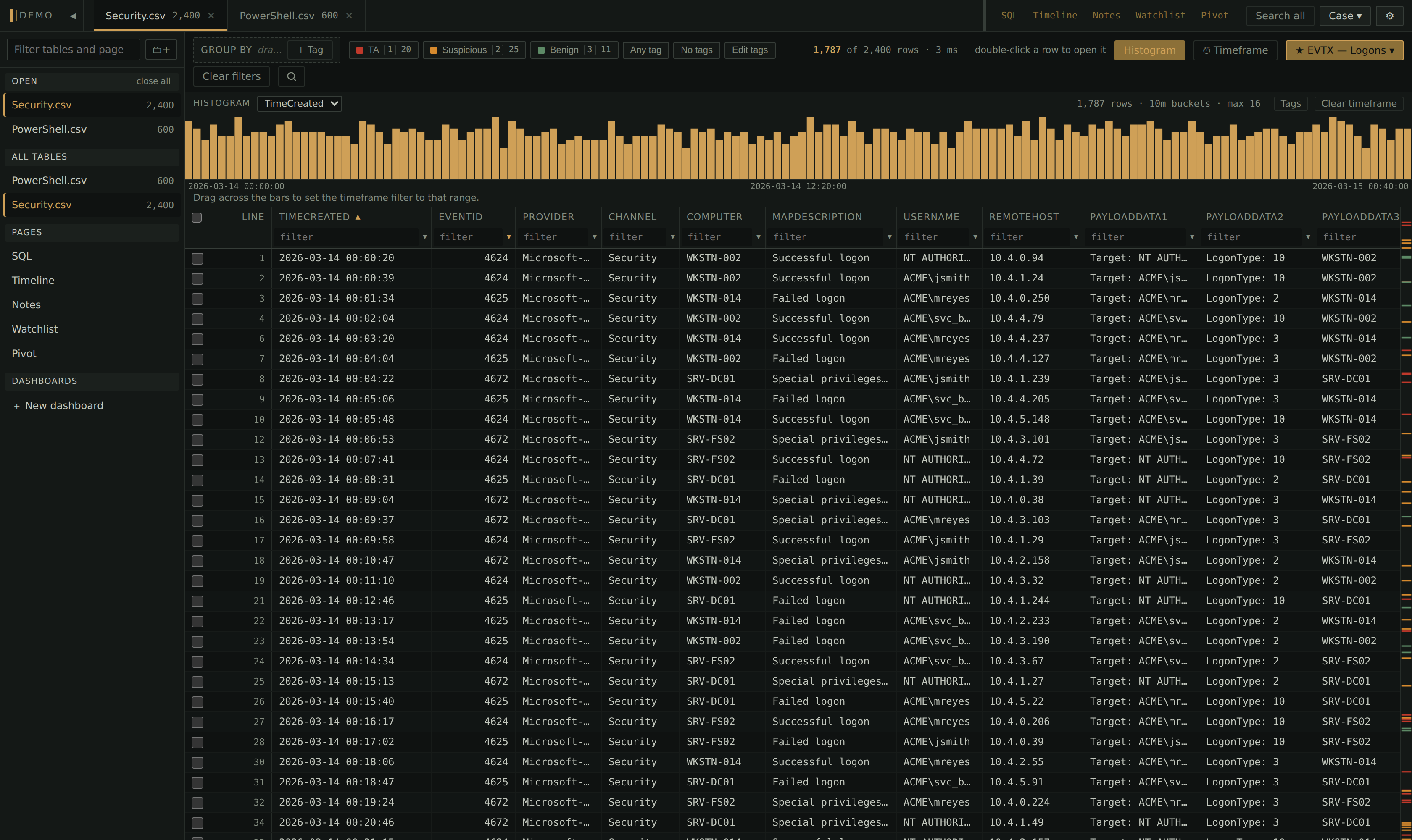
Winnow is a local viewer for the very large CSV and log exports DFIR triage produces: filter a table down, tag the rows that matter, and read the findings back across the case.
Features
Saved filters
Saved once, offered on every table with the same columns. 28 ship for EvtxECmd, RECmd and MFTECmd output, and [ ] step through them.
See it in action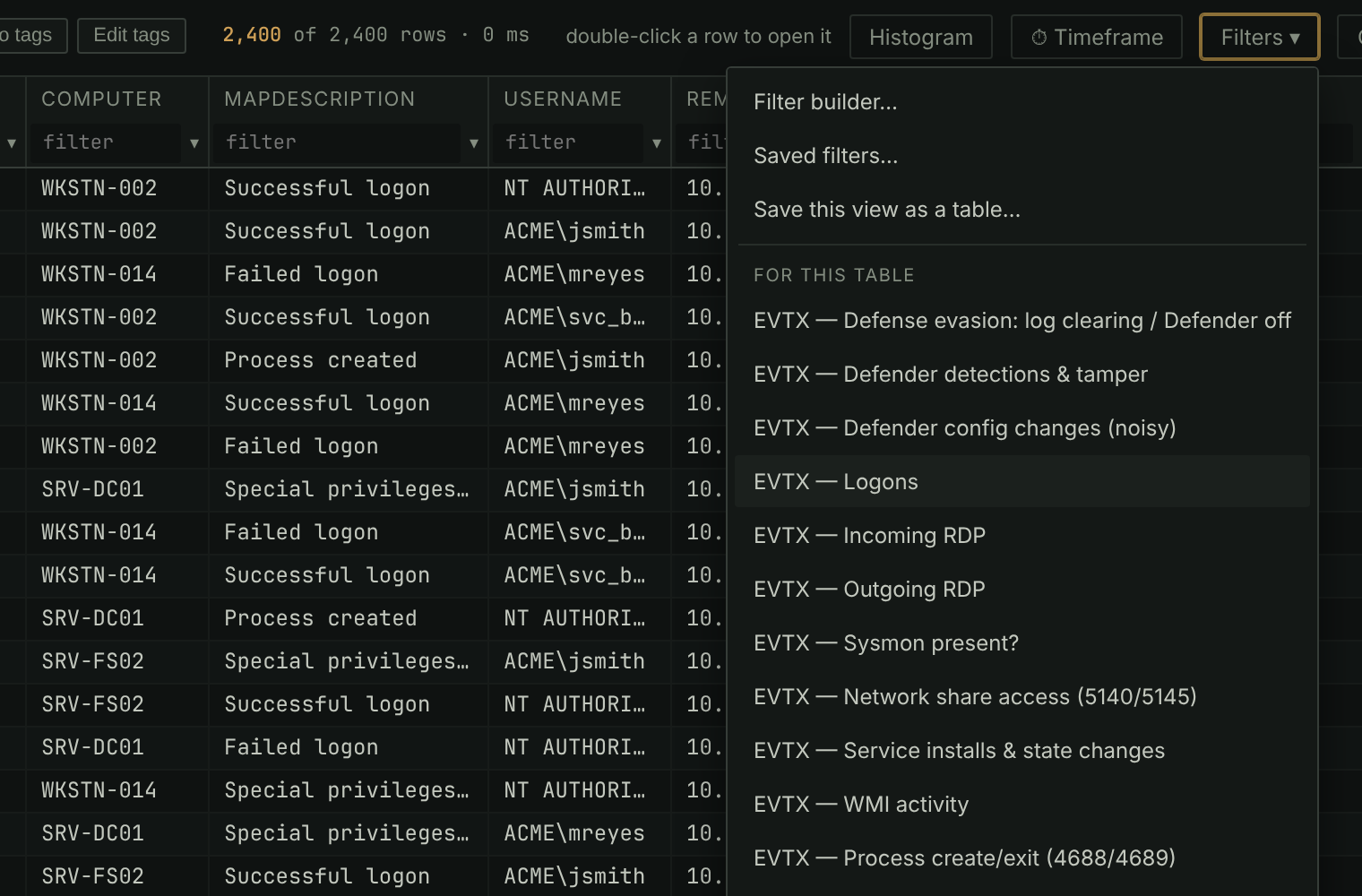
Timeframe filter
Kept apart from the other filters: clearing them or stepping through saved ones leaves it on. One range for the whole case, or one per table.
See it in action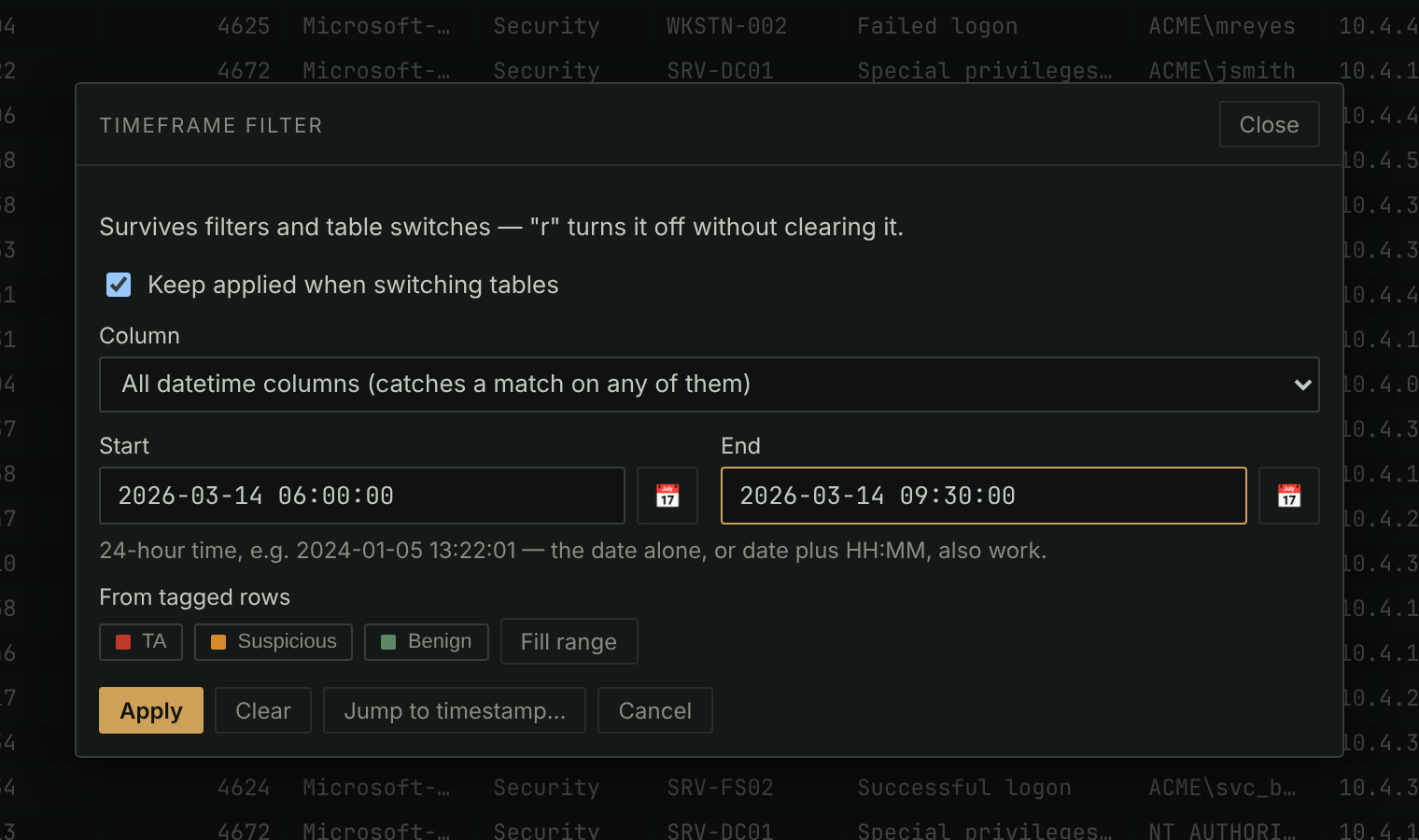
Histogram
When the rows in view happened, colored by tag, by one value or by group. Drag across it to set the timeframe.
See it in action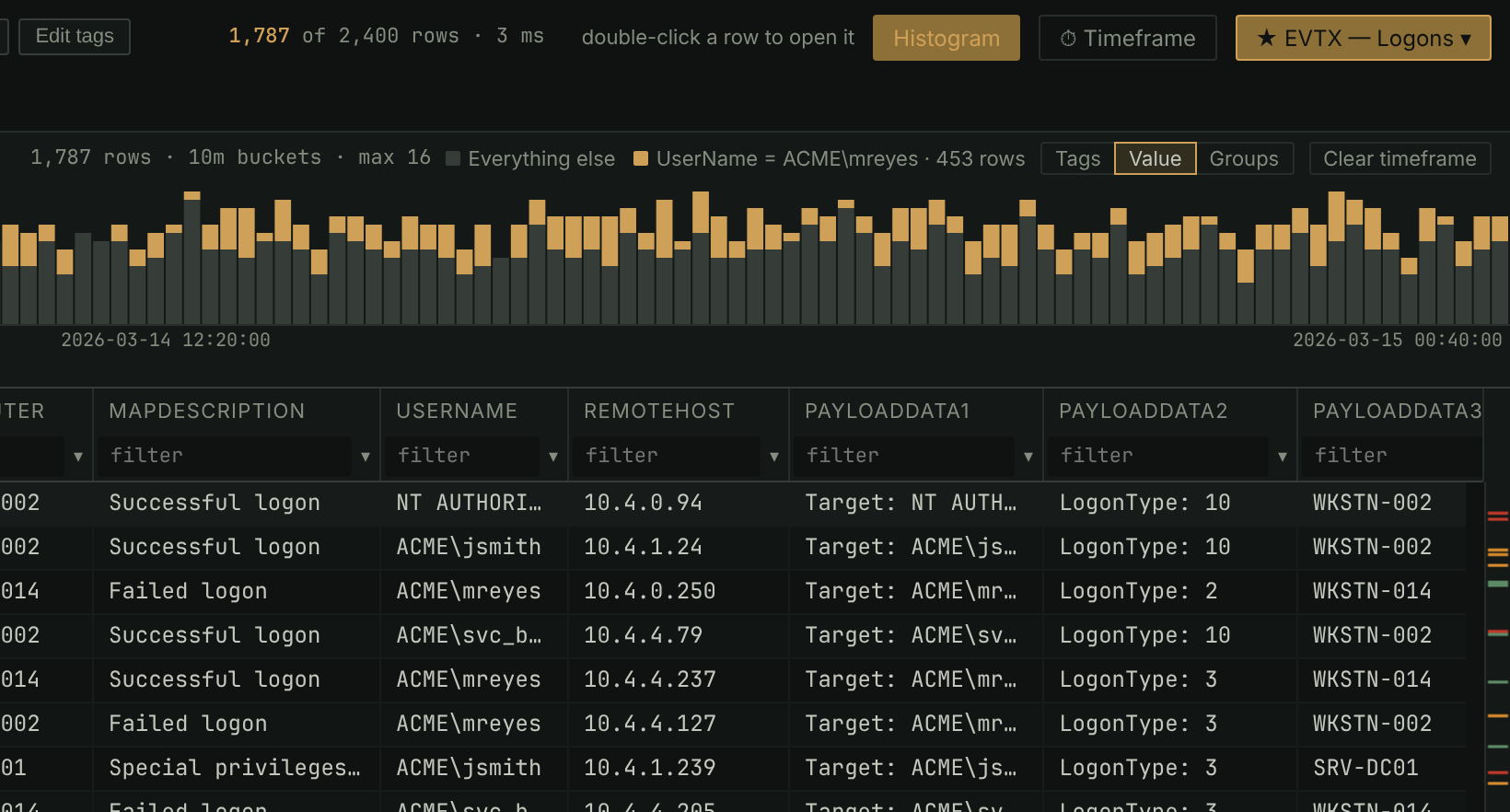
Derived columns
Sortable times from epochs and FILETIMEs, fields out of JSON and XML, regex captures, decodes, and lookups into another table. The original column is never changed.
See it in action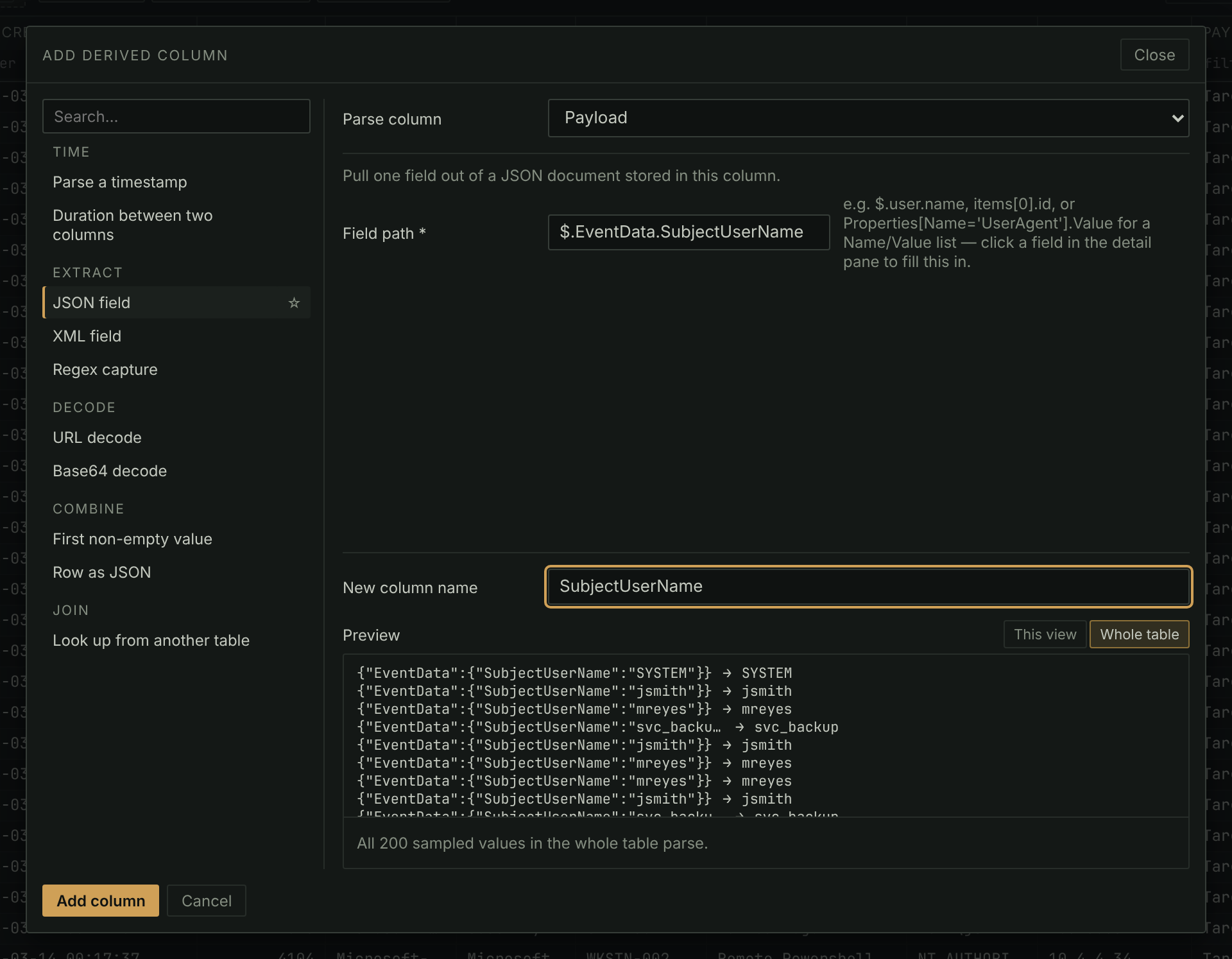
SQL pane
Read-only SQL over every table in the case, with its tags, notes and derived columns. Tag the rows a query returns, export them, or save them as a table.
See it in action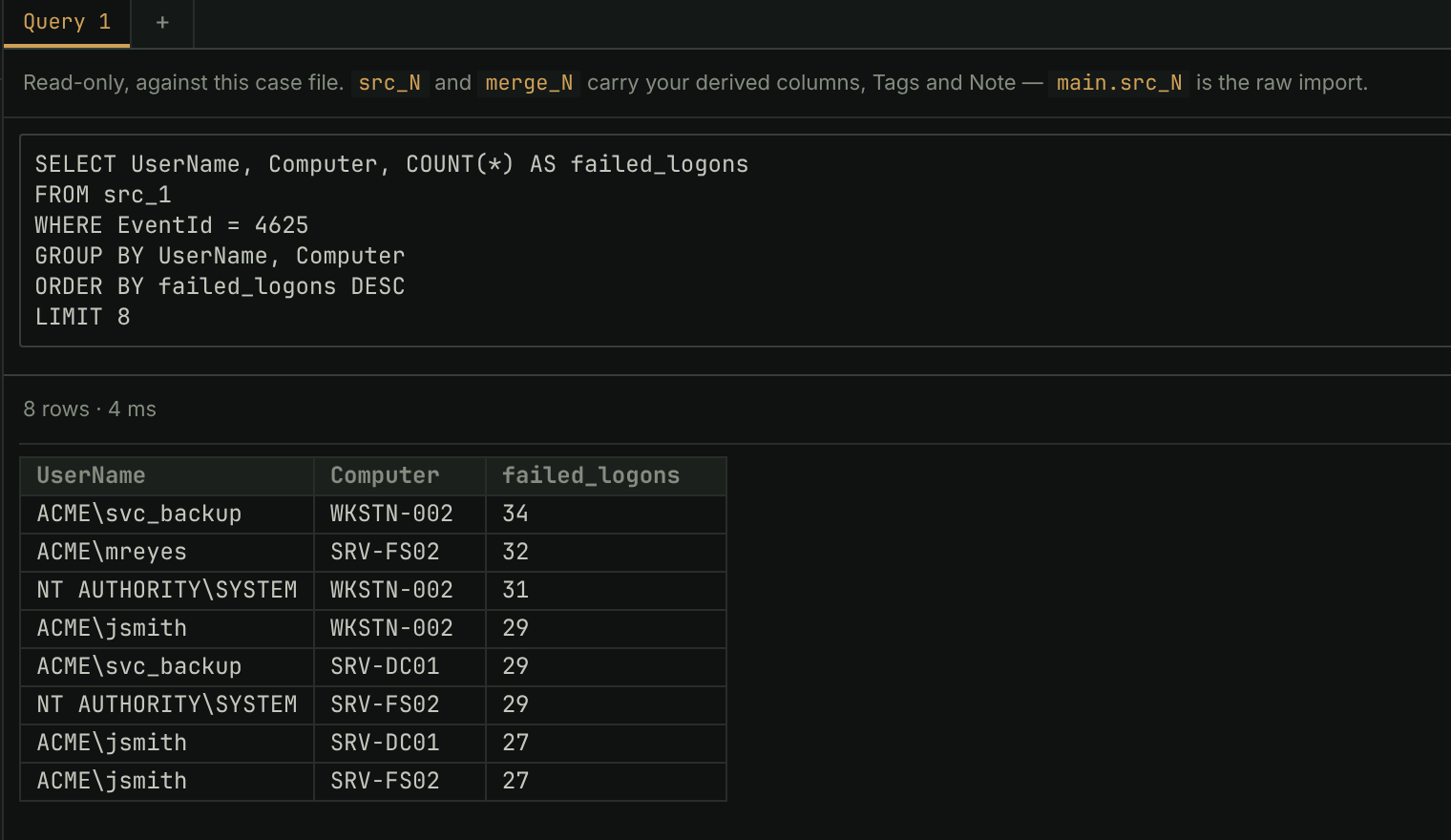
First and last plugin
Thousands of events down to the first and last of each group, per host or per user, as a new table you can tag and export.
See it in action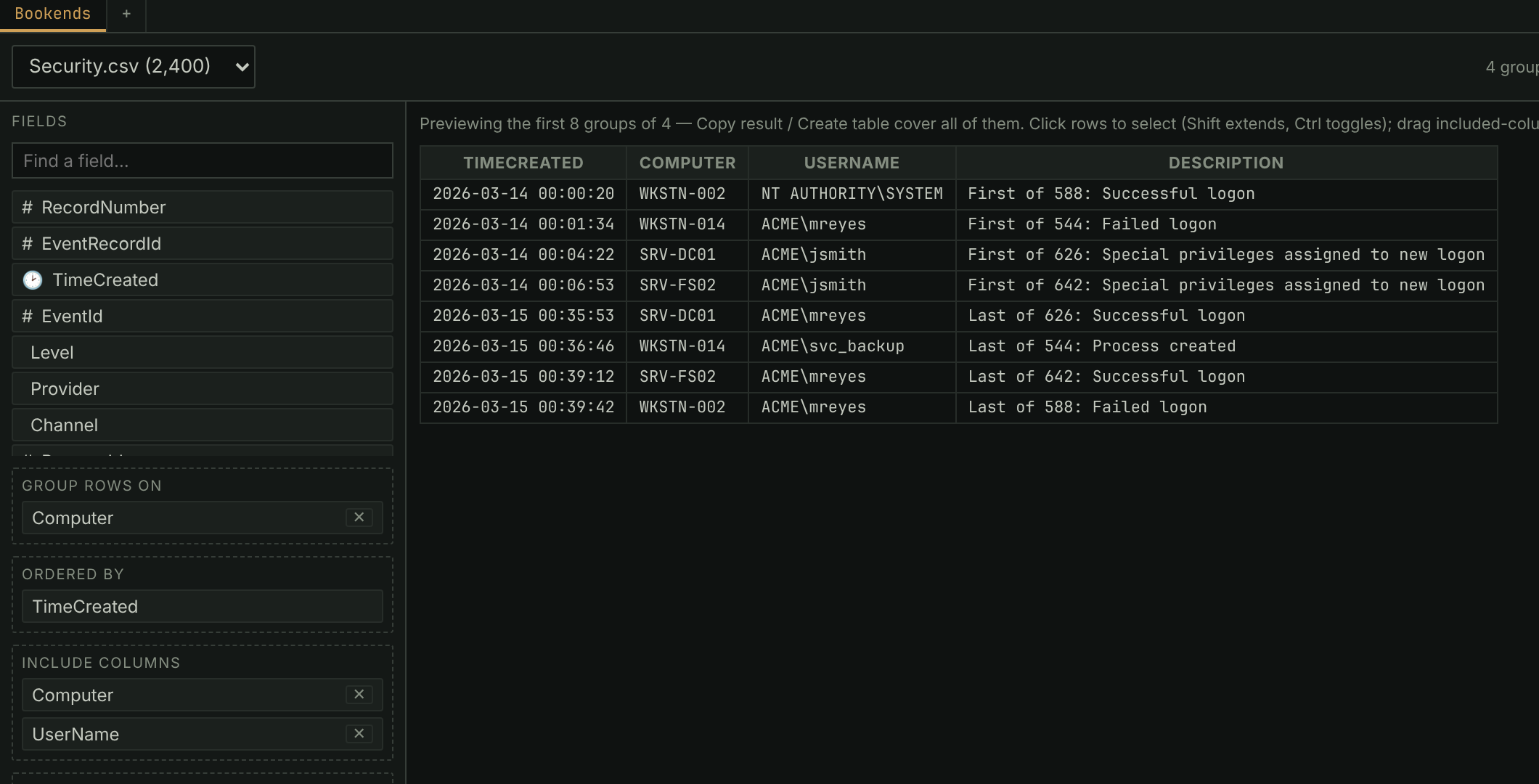
Pivot tables plugin
A cross-tab of any table, merged ones included: drag fields into rows, columns and values, and filter by tag.
See it in action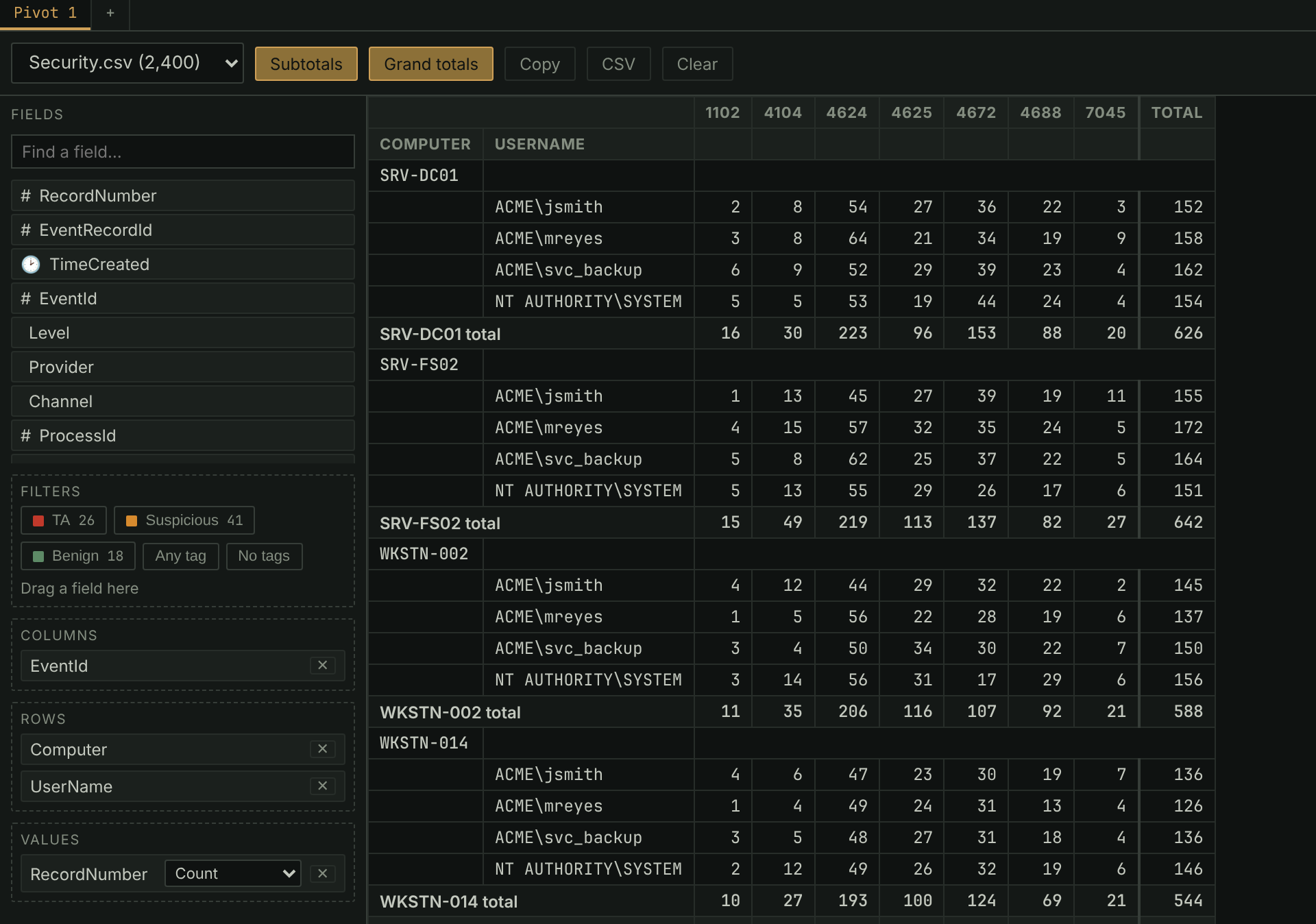
Your first triage
With an EvtxECmd export as the example:
- Install and start it.
pip install -r requirements.txt, thenpython server.py. (Installation) - Make a case. + New case, name it, Create case. Pick the KAPE triage profile to also get a dashboard and a starter watchlist. (Cases and importing)
- Import. Import files…, Add from this machine…, then Import 1 file. For a whole KAPE output, Import a whole folder….
- Filter. Filters ▾ → EVTX — Logons, then narrow it by typing
under any column:
!svchost,=4624,^C:\Users. (Filtering and searching) - Tag. Select rows and press
1for TA,2for Suspicious,3for Benign.Shift+1tags the whole view;Ctrl+Zundoes. (Tagging and notes) - Read it back. The Timeline tab lists every tagged row from every
table in time order. Search all (
s) sweeps the case for a list of indicators. (Timeline, Search all and the Watchlist) - Hand it on. Case ▾ → Export… writes the tagged rows to Excel.
The case itself is one
.db-winnowfile you can copy. (Sessions and export)
Pages
-
Getting set up
- Installation: install, launch, update, uninstall.
- Cases and importing: case files and every import format.
-
Working a case
- Filtering and searching: filter syntax, saved filters, time ranges, search.
- Working with tables: columns, sorting, grouping, merging.
- Tagging and notes: tags, keys, undo, notes.
- Timeline, Search all and the Watchlist: reading across every table.
- Derived columns: timestamps from raw values, fields out of JSON and XML.
-
Going further
- Dashboards: boards, widgets, profiles.
- SQL pane: read-only queries over the case.
- Sessions and export: snapshots, hand-offs, exports.
- Plugins: the plugin manager and the bundled plugins.
-
Reference
- Settings and shortcuts: every setting and key.
- Troubleshooting: common problems and the log.
- Contributing: changing Winnow itself.
- Writing plugins: the plugin developer guide.
Good to know
- The evidence is never modified. Tags, notes and derived columns live beside the imported rows.
- One case, one Winnow. Open a case in one Winnow at a time, from a local disk. Two analysts work in separate cases and swap session files.
- Closing the window stops Winnow a couple of minutes later, unless it
was started with
--no-idle-shutdown. - Nothing reaches the network unless you check for an update or turn on
a plugin that uses it, such as
claude_assistant.