Histogram
A bar chart above the grid of when the rows in view happened. It follows every filter, so it shows where a search's hits cluster in time, and dragging across it sets the timeframe.
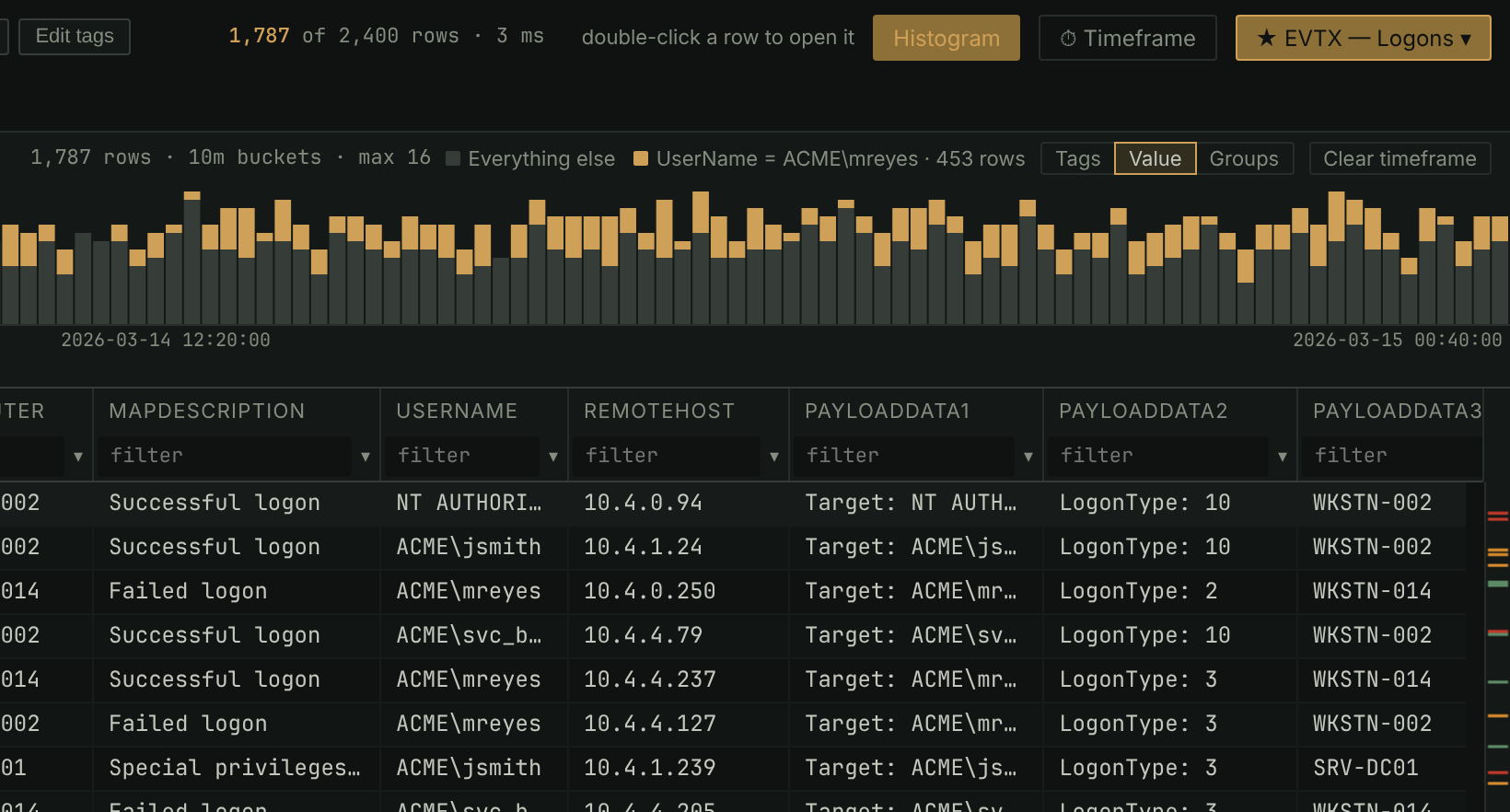
- Click Histogram or press
h. Winnow picks a bucket size, from a second up to a year, so a narrower range gets finer bars. - Tags colors the bars by the tags their rows carry.
- Value charts one value against everything else: right-click a cell and choose Show in histogram.
- Groups colors the first few groups of a grouped grid, and puts a swatch of the same color on each group's heading.
- A mark along the top spans the rows on screen and moves as you scroll, and a line through the bars marks the selected row.
In the manual: Filtering and searching › The histogram