SQL pane
Read-only SQL over the open case, for the questions a filter can't answer: a count per user, a join between two tables, every tagged row with its note. Tables appear as the grid shows them, with your derived columns, tags and notes.
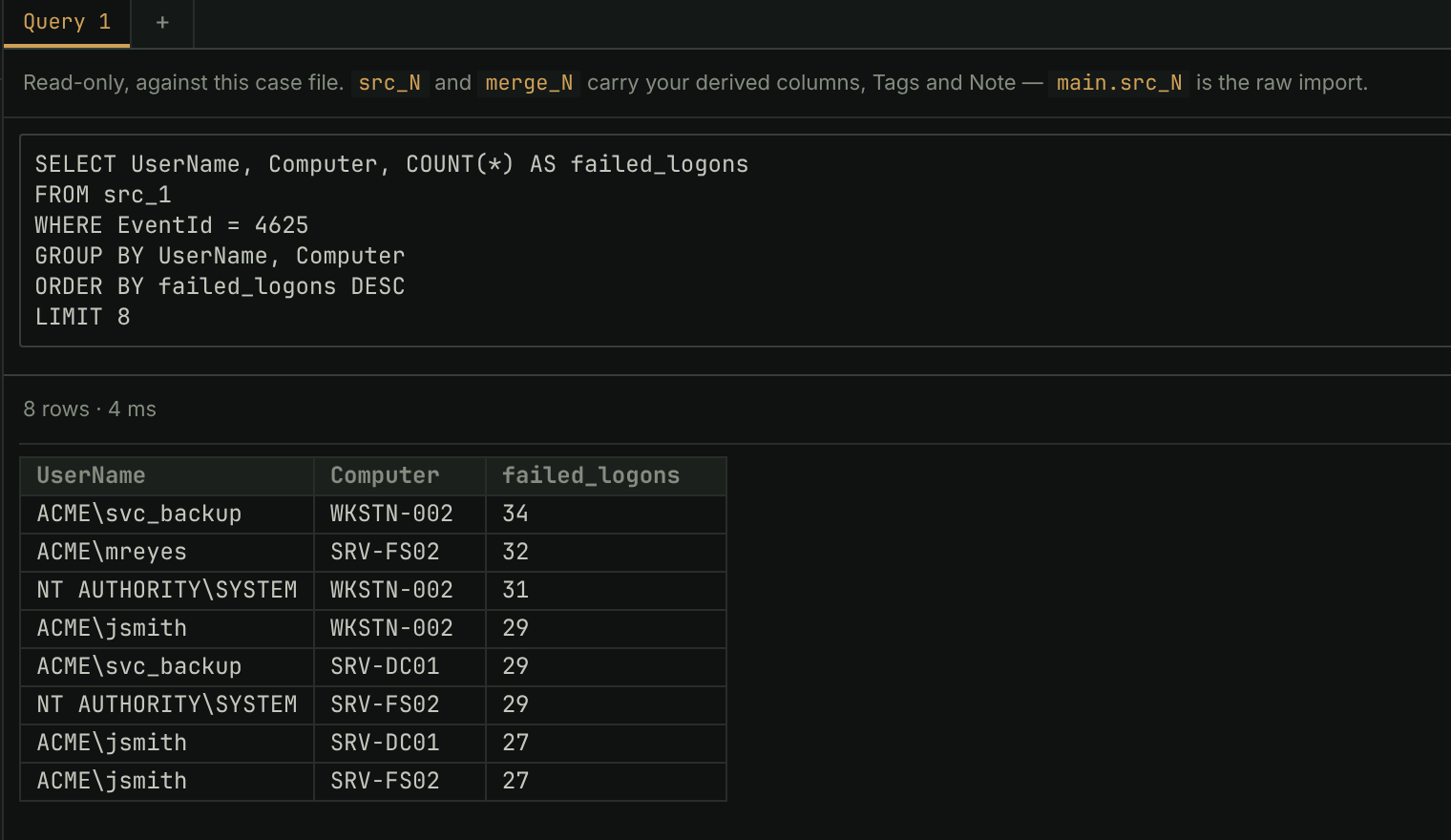
- Click SQL in the page tabs, write a query, and click Run or press
Ctrl+⏎. From a table,Qopens its current filter as aSELECTto build on. - Nothing you run can change the case: a write fails with not authorized.
- There is no row limit. A result is kept on disk and fetched as you scroll, so millions of rows scroll like a few, and a header click sorts all of them.
- Rows a result names can be tagged from the pane, and any result can be copied, exported to CSV or Excel, or saved as a table.
In the manual: SQL pane